Visual website feedback for real client work
Website feedback that survives the handoff.
ReviewFlow is a website feedback tool for Chrome that captures the exact page area, keeps revision scope visible, and turns client comments into a clear approval record.
Built for agencies, freelancers, designers, and QA teams- Free plan included
- Clients need no account
- No background browsing
From webpage to approved work
A visual feedback workflow clients can actually use.
Capture in Chrome, add the missing context, then share one clear place to review the work.
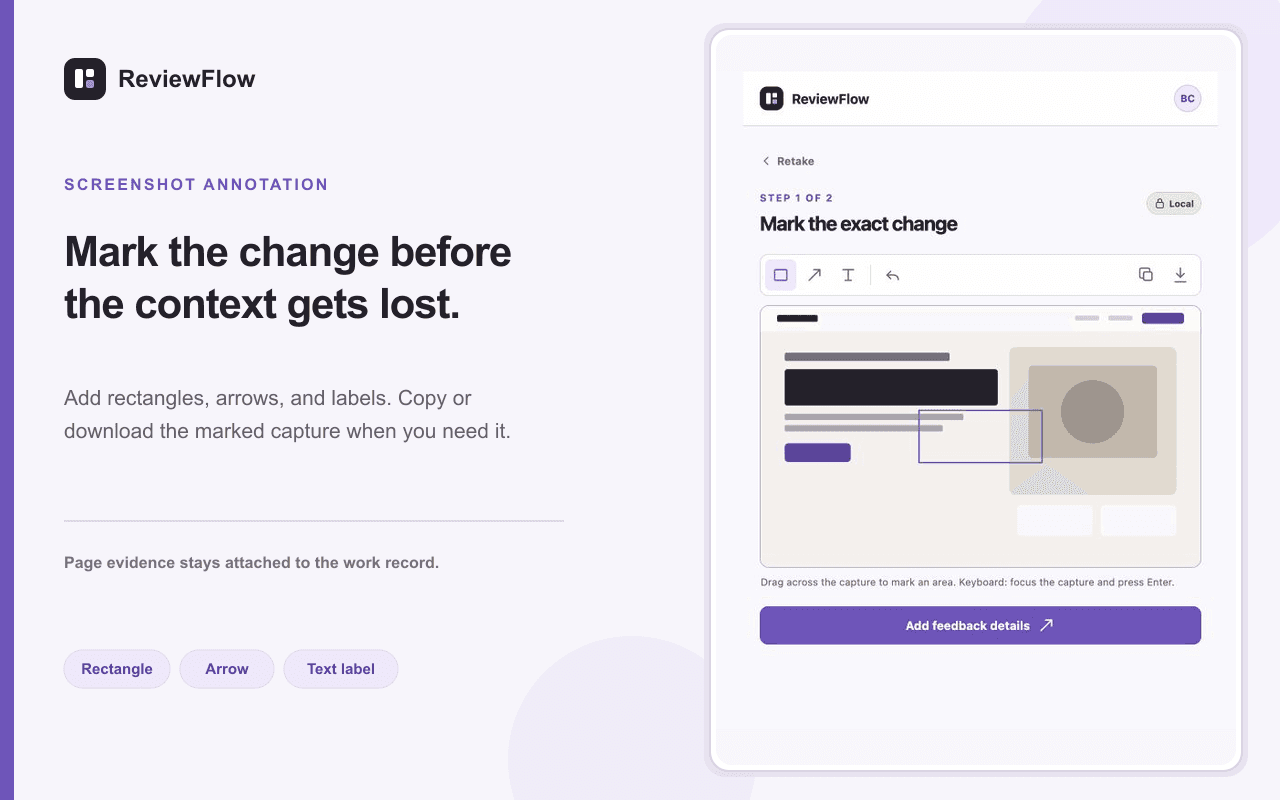
- Capture the exact page area
Select a region or the visible tab without leaving the webpage.
- Annotate the requested change
Add rectangles, arrows, and text so the next action is unmistakable.
- Share for review and approval
Let clients request changes, approve a fix, or accept final delivery.
Website feedback with commercial context
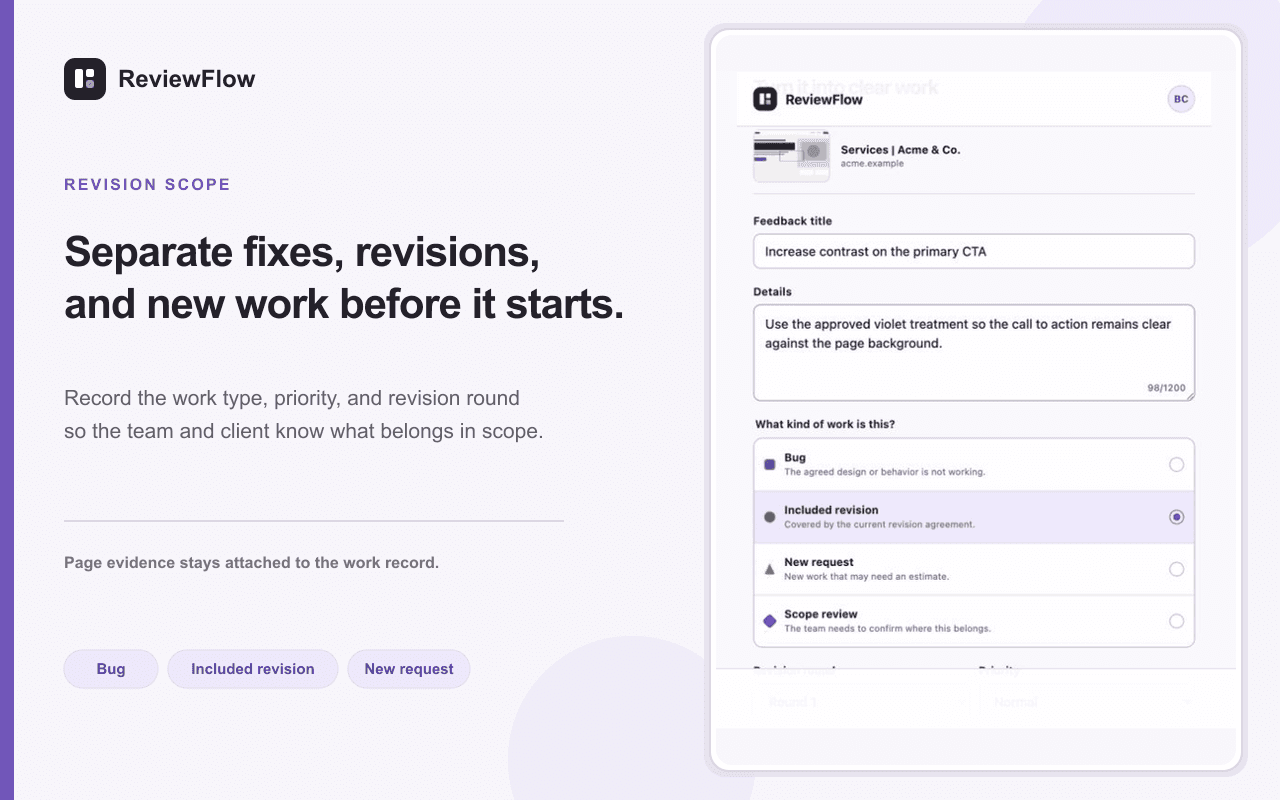
Stop revision scope from disappearing inside comments.
ReviewFlow records the revision round and whether each item is a bug, included work, a new request, or something that needs a scope discussion.
- Bug
- Included revision
- New request
- Scope review
Clients review the work, not another piece of software.
Private guest links keep the decision simple while your team retains the full delivery history.
- No client account
- Expiring review links
- Printable approval trail
Questions before you install
A lighter way to collect website feedback.
Use ReviewFlow locally first, then connect a workspace only when a project needs sharing and approval.
- What is a website feedback tool?
It captures a live webpage and keeps the exact visual context with every request.
- Do clients need an account?
No. They can review and approve from a private link.
- Can I use ReviewFlow for free?
Yes. Local capture is available immediately, with one active cloud project on the free plan.
Replace vague website comments with an approval-ready record.
Install the Chrome extension and capture your first feedback item in minutes.